Stop Staring At
Your Terminal
Get instant visual & sound alerts when Claude Code, Cursor, Gemini CLI or Codex finishes or needs input. Forget your terminal and focus on better tasks.
Supported Tools
Feature availability varies by tool
| Tool | Task Complete | Awaiting Input |
|---|---|---|
| Cursor | ||
| Claude Code | ||
| Codex | ||
| Gemini CLI |
More tools coming soon based on user requests
The Wait is Over.
Stop babysitting your terminal. Reclaim your focus.
The Bottleneck
You step away. AI waits for permission. 10 mins lost.
The Distraction
Context switching kills your flow. Checking constantly drains energy.
The Silence
AI errors out silently. You don't know until you look back.
How It Works
Completely automated and requires no configuration.
Install & Activate
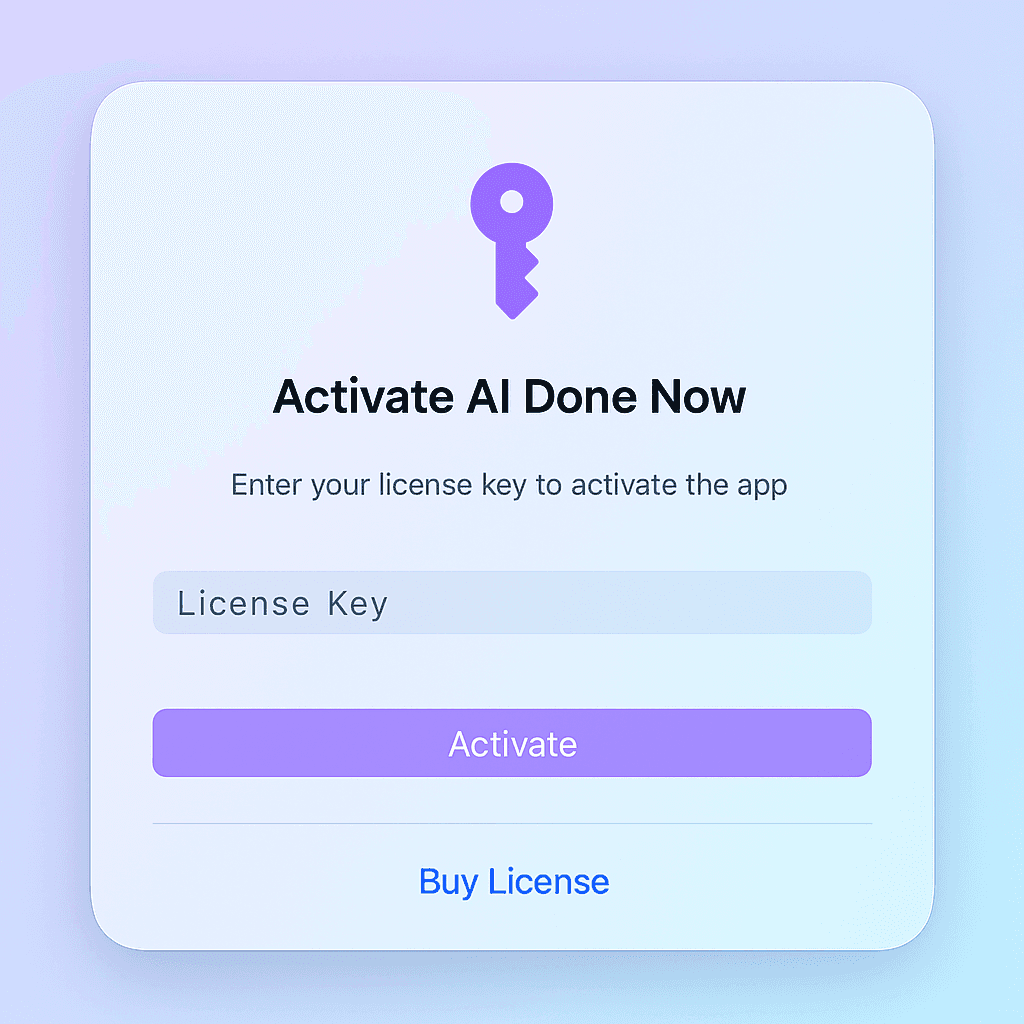
Download 'AI Done Now', enter your license key, and you're ready to go in under a minute.
Start Monitoring
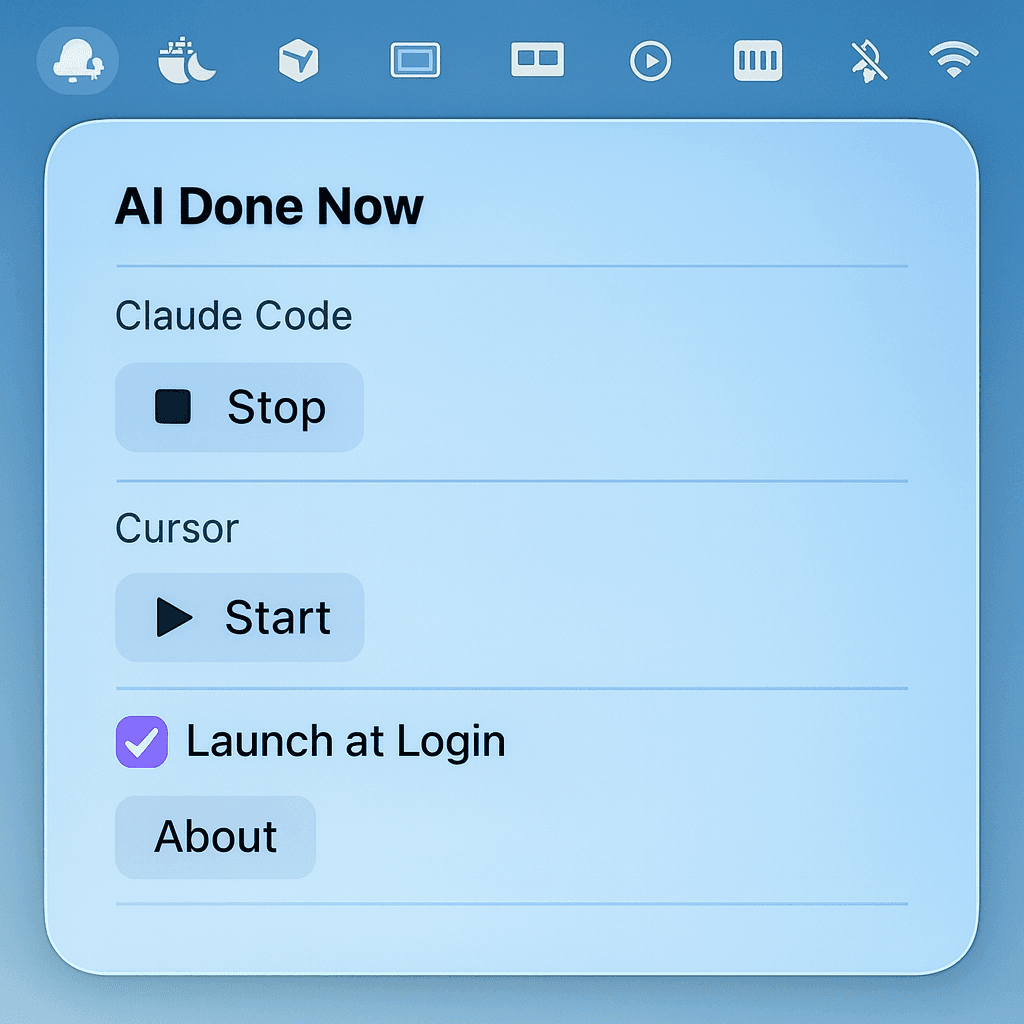
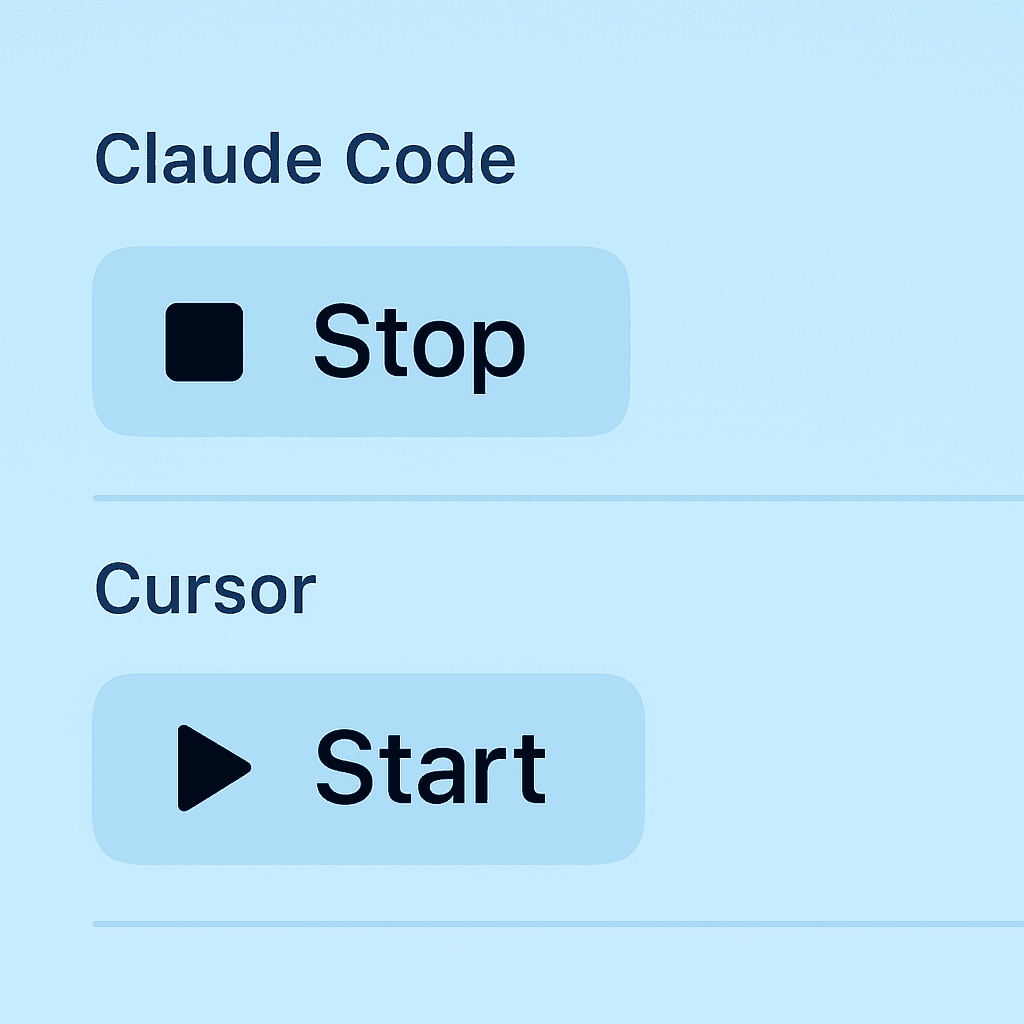
Click Start for your preferred tools — Cursor, Claude Code, Gemini CLI or Codex — from the menu bar. AI Done Now quietly watches for events.
Kick Off an AI Task
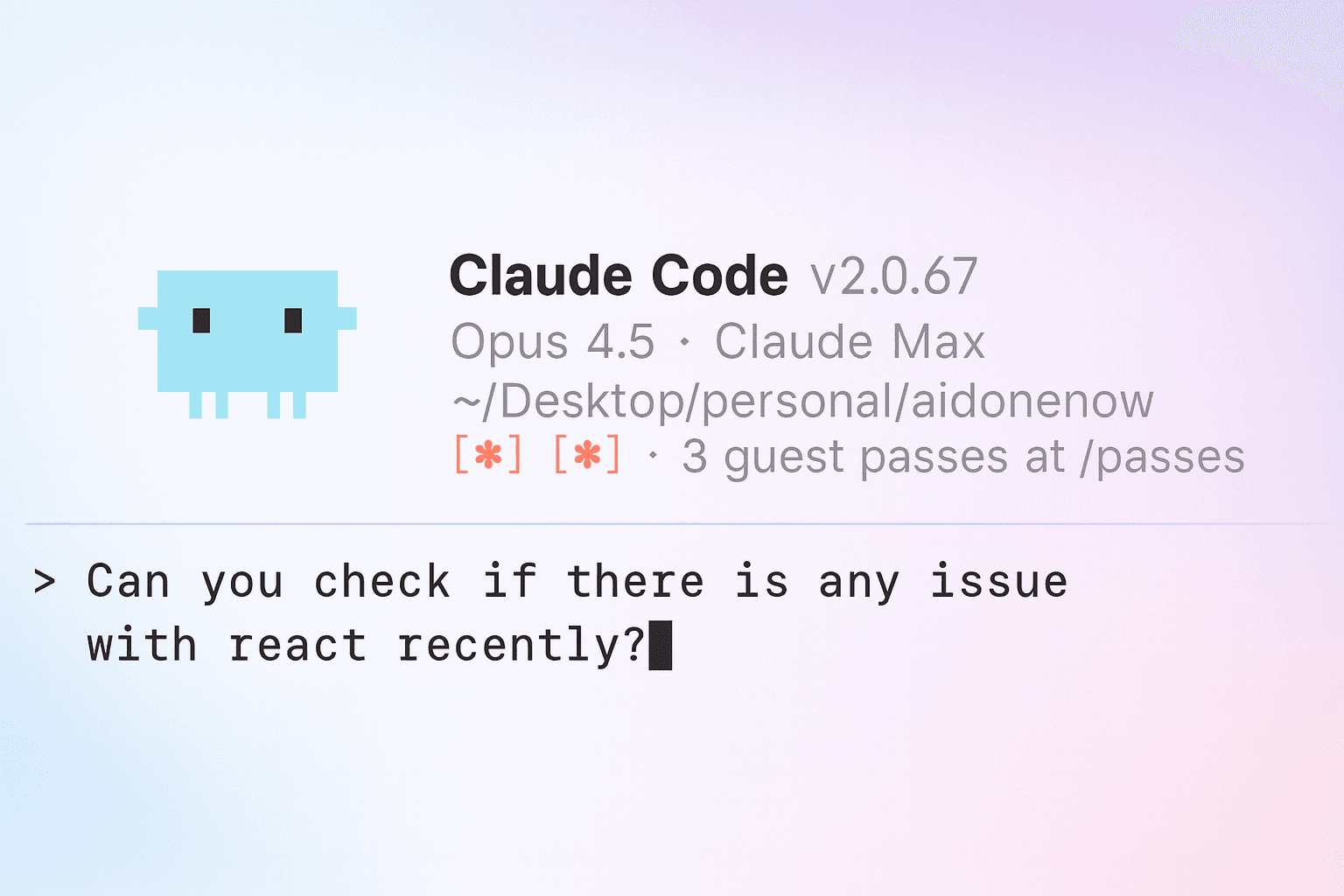
Run a long refactor or code generation in your AI coding tool and switch to other work with confidence.
Get Notified Instantly
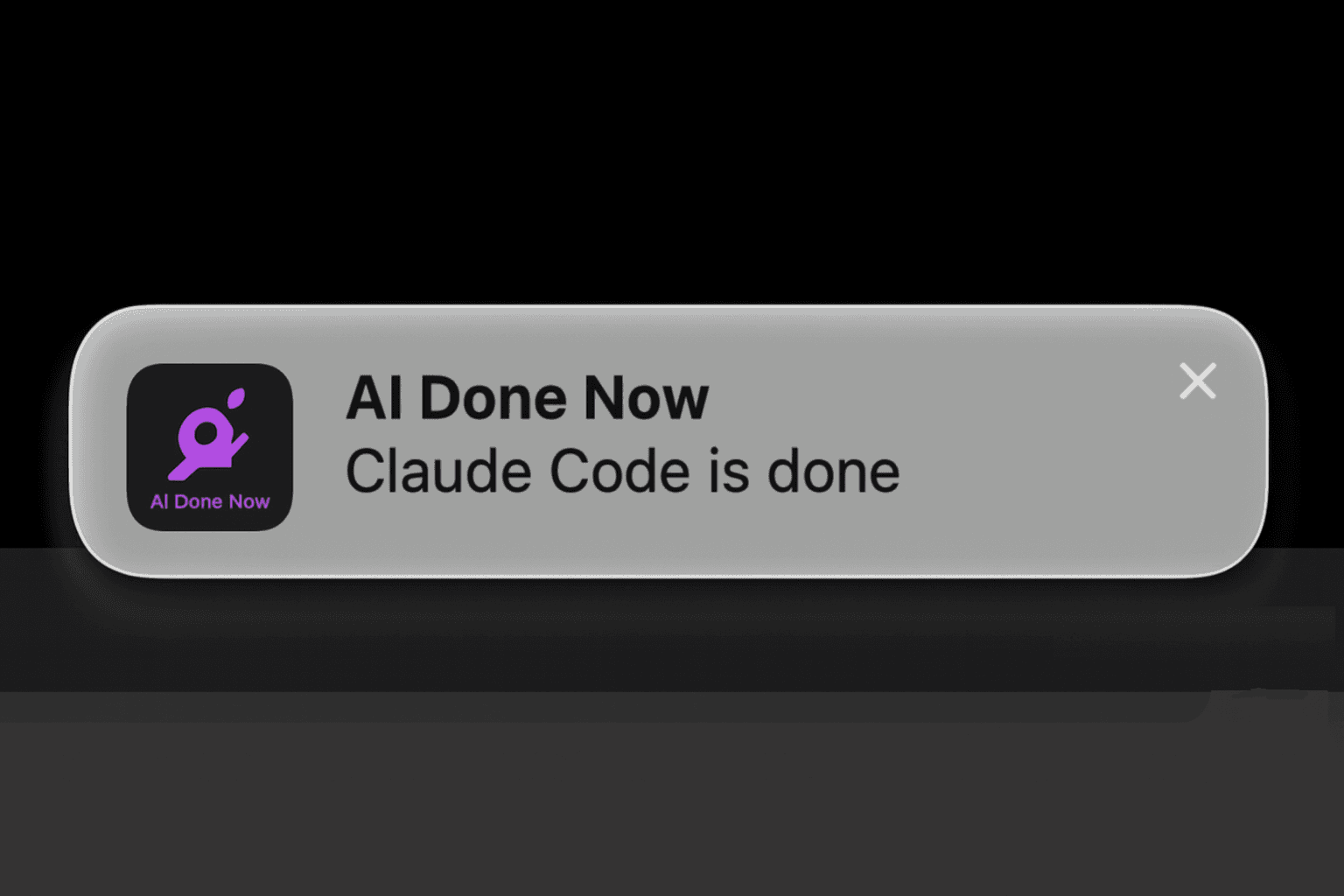
When your AI finishes or needs permission for a tool call, you'll see a native macOS notification with sound.
Stop When Done
Done for the day or pairing live? Toggle monitoring off from the menu bar to pause notifications.
Designed for Focus.
Zero friction. Pure flow.
Native Visual & Sound Alerts
Not just a beep. Get a proper macOS notification banner you can see, even if your volume is off.
Click-to-Focus
Clicking the notification instantly opens Cursor or your Terminal window. Zero friction.
Permission Requests
Know immediately when the AI pauses for tool approval (MCP calls, shell commands). Save valuable time.
Multi-Tool Support
Works seamlessly with Claude Code, Cursor, Gemini CLI and Codex. Enable your preferred tools based on your workflow.
Launch at Login
Set it once and forget it. AI Done Now starts automatically and runs efficiently in the background.
Lightweight & Native
Built with native Swift. Uses negligible CPU and memory, and keeps your data on-device — only your license key is used for activation.
Menu Bar Control
Quickly toggle monitoring on or off directly from your menu bar.
One Price.
Lifetime Access.
Pay once, use forever. No subscriptions, no hidden fees.
USD / Lifetime
excl. taxes
Need to switch Macs? Email puspalatha@hodolist.com for a free license reset.
Frequently Asked Questions
AI Done Now: macOS notifications for AI coding tools
AI Done Now is a lightweight macOS menu bar app that sends sound and visual alerts when your AI coding assistant finishes a long task or needs your attention. If you use Cursor, Claude Code, Gemini CLI or Codex, AI Done Now helps you stop staring at your terminal and get notified at exactly the right moment.
Common searches this product matches include: "notify when Cursor finishes", "Cursor done notification", "Claude Code notification", "Gemini CLI notification", "Codex notification", "AI coding assistant sound alert", "terminal completion notification", "permission prompt alert", "macOS menu bar notifications for AI coding tools".
What it does
- Sound + visual notifications when Cursor, Claude Code, Gemini CLI or Codex completes a task
- Alerts when the tool needs input (e.g. permission prompts)
- Runs quietly as a Mac menu bar utility
Who it’s for
- Developers running long AI coding tasks
- Anyone multitasking while an AI agent is coding
- Teams that want fewer interruptions and faster feedback loops
AI Done Now is designed with privacy in mind: notifications are triggered locally on your Mac.